Analytics
Analytics
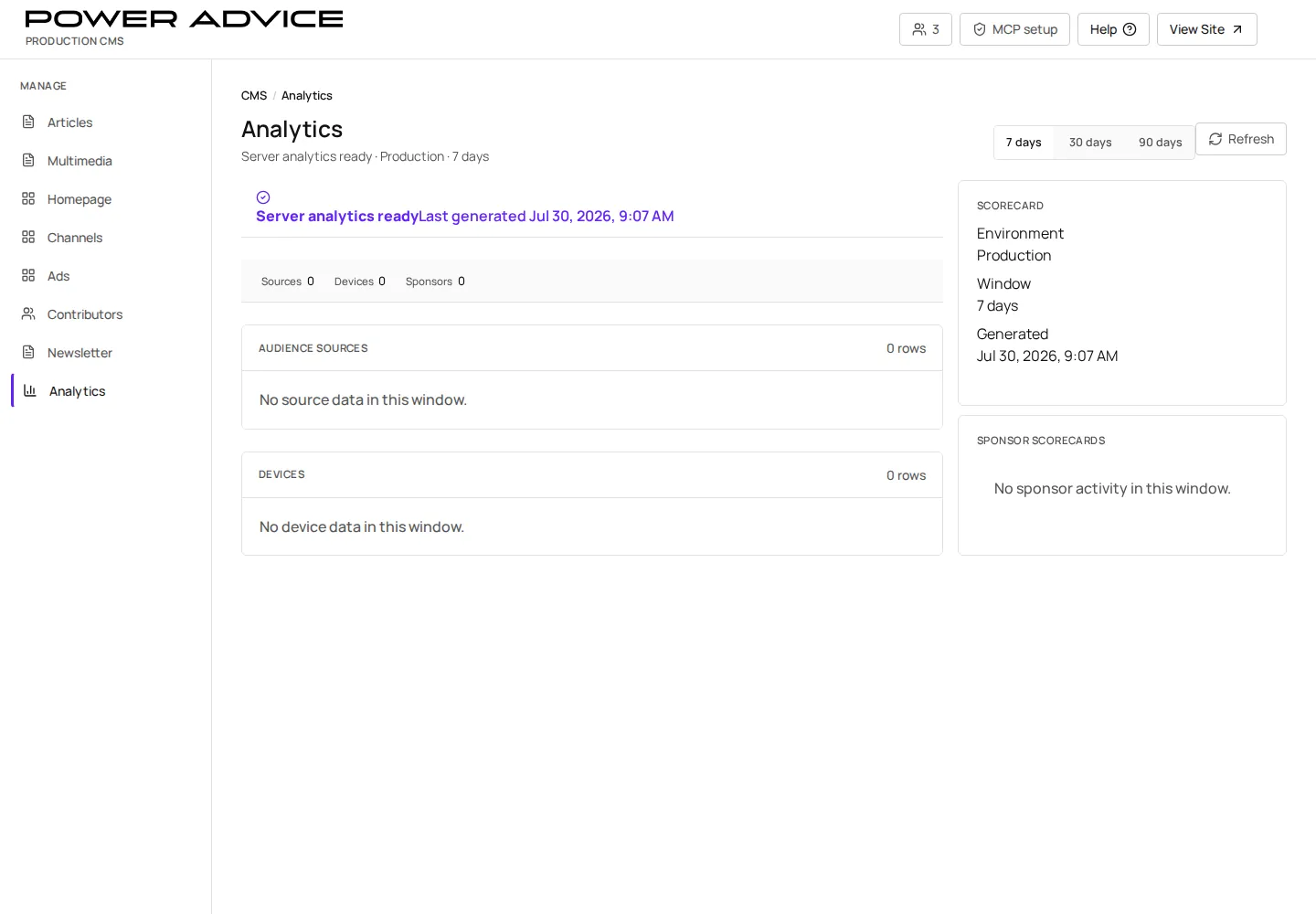
Section titled “Analytics”Use Analytics to review scorecards for articles, sources, devices, sponsors, and collection status.
Operator focus
Section titled “Operator focus”Analytics should help the team tell the PowerAdvice story: which content is working, where readers come from, what sponsors need attention, and whether collection is healthy. It does not publish content.
Prerequisites
Section titled “Prerequisites”- Analytics environment mapping is configured.
- The operator understands whether they are reviewing UAT, staging, or production metrics.
- Open Analytics.
- Select the reporting window.
- Review status, totals, sources, device rows, article rows, and sponsor rows.
- Use the linked CMS navigation when a row needs content correction.
- Record follow-up in the owning editorial or advertising workflow.
Storytelling checklist
Section titled “Storytelling checklist”| Question | Look at |
|---|---|
| What content is resonating? | article rows and channel/source breakdowns |
| Which sponsors need attention? | sponsor rows and related campaign records |
| Is traffic healthy enough to trust? | collection status, source totals, and date window |
| What should we change? | create a follow-up in Articles, Homepage, Ads, or Contributors rather than editing from Analytics |
Resulting state
Section titled “Resulting state”Analytics does not publish content directly. It informs editorial, sponsor, and operational corrections.
Permissions
Section titled “Permissions”Analytics review requires authenticated CMS access. Do not screenshot production subscriber or personally identifiable lead details.
Failure cases and recovery
Section titled “Failure cases and recovery”- Scorecard unavailable: check environment mapping and server analytics availability.
- Unexpected zero counts: verify the date window and deployment environment.
- Sponsor data mismatch: check campaign, creative, and sponsored content fields.